Usage for Players
The mod only adds one block, the Summoning Altar. A second block, the Indestructible Summoning Altar, is just an unbreakable variant of the same block that is typically used in structures. How the mod is integrated and which block you might encounter depends on how the modpack developer has set up the mod.
This page will cover the basics of how to use the mod, but keep in mind that the exact usage and progression will depend on the modpack you are playing. If you have questions about how to use the mod in a specific modpack, please ask the modpack developer or check if the modpack has a wiki or documentation.
Altar
As mentioned before, it heavily depends on the modpack how the mod is integrated. You may be able to craft the altar yourself, or you may have to find it in the world. By default, the altar does not come with a recipe, so the recipe depends entirely on the modpack developer.
Generally, the altar allows you to transform item or entity inputs into item or entity outputs. Additionally, the altar is capable of invoking commands. Developers can also add custom behavior to the altar via events.
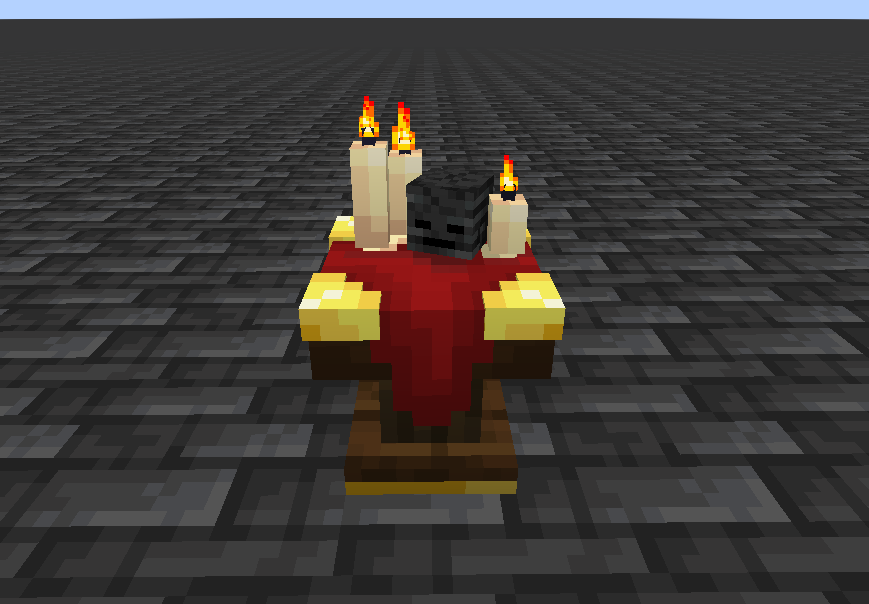
Interaction
There are several ways to interact with the altar. It has no user interface, so you cannot open it to insert items. Instead, you need to right-click the altar with the required item in your hand to insert it. If you have a stack in your hand (amount greater than 1), the whole stack will be inserted. If you want to extract items from the altar, you need to sneak-right-click the altar with an empty hand. The altar remembers the insertion order. Whatever you inserted last will be extracted first.
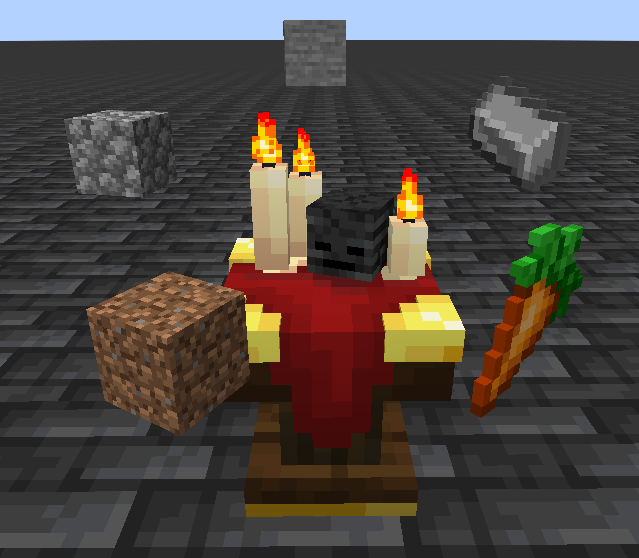
Since entities (mobs) can't be inserted into the altar, you will have to lure them in to have them nearby when starting the ritual. Developers can modify the sacrifice zone around the altar.
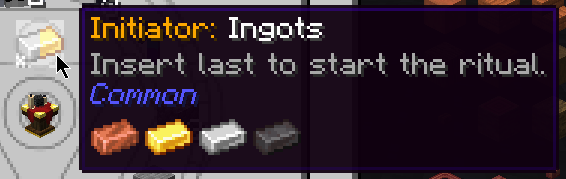
When all inputs are present, you have to start the ritual by right-clicking the altar with the initiator item. It acts like a normal input item but when inserted, the altar checks if all necessary inputs are present and if the conditions match. If they do, the ritual will start. If not, the initiator item will pop back out and drop on the ground.
Starting the recipe will kill the necessary sacrifices around the altar. Sacrifices will not drop loot upon death. Whether an entity was killed for the ritual is indicated by a small blue particle rising from its corpse. After the start, the altar's candles will switch from normal fire to blue fire, and the carpet on top of the altar starts switching colors for the duration of the ritual.
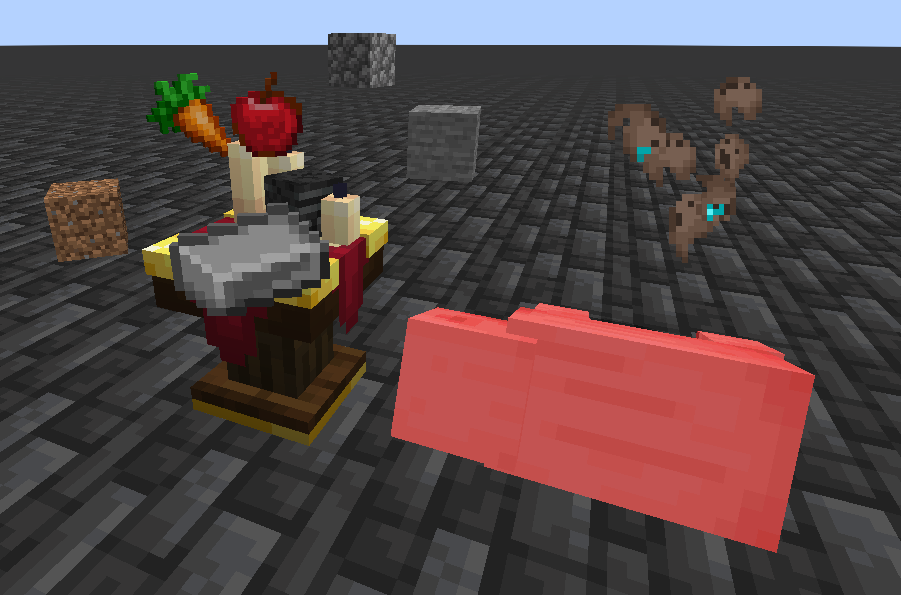
If the recipe is successful, the altar will retain the remaining items that have not been used for the ritual. If the recipe has a resulting item, it will spawn on top of the altar by default. Developers can modify the position and spread of the output items. When the recipe has resulting entities, they will spawn in a circle around the altar, which can also be modified by developers.
The ritual might have more dependencies or outputs handled by custom logic inside the events.
Recipes
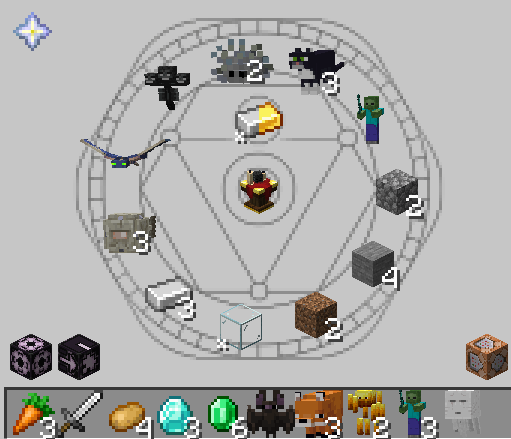
To see the available recipes, you should check out the recipe viewer (JEI/EMI) pages for the altar. You can access them by looking up the usages for the block itself.
Initiator
The initiator item which is required to start the ritual is shown in the center right above the altar block. It needs to be inserted last to start the ritual. Initiator items can only ever have a count of 1.
Inputs
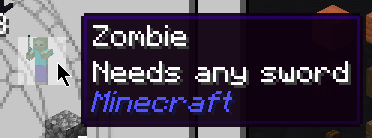
Inputs are always shown in a circle around the altar block in the center. Entities or items might need special data such as a specific health value or an enchantment. You can hover the inputs to see more details about them. Developers can also attach custom tooltips to provide further information.
Outputs
Outputs are shown at the bottom of the recipe page. They can be items or entities. Since developers can attach custom tooltips to each output entry, make sure to hover them to see if there is any additional information.

Commands
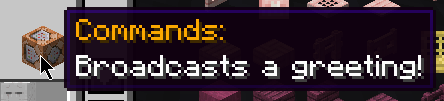
Some recipes might have commands as outputs. These are shown in the bottom right of the recipe page with a command block icon. Hovering the icon will show you the list of commands that will be executed when the ritual is started. The tooltips can be overridden by developers, so make sure to check the tooltip for any additional information.
Block Palettes
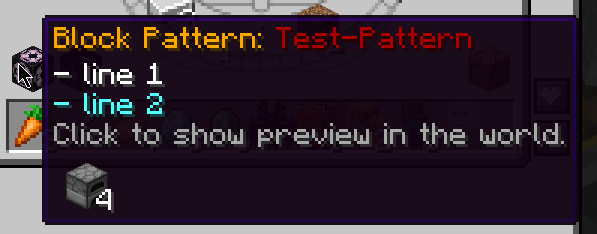
A recipe might require a specific block palette to be present around the altar. This is shown in the bottom left of the recipe page with a structure block icon. Hovering the icon will show you the required blocks and an optional palette name. The tooltip can be overridden by developers, so make sure to check the tooltip for any additional information.
Conditions
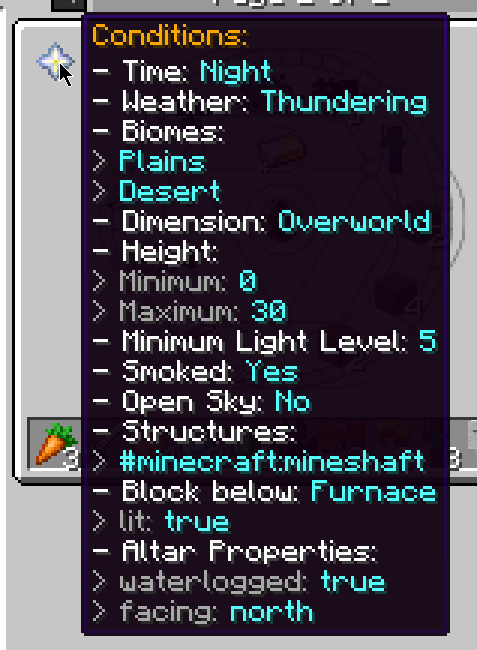
Lastly, there might be additional conditions that need to be fulfilled to start the ritual. These are shown in the top left of the recipe page. The icon uses a Nether Star and can be hovered. If there is no icon, the recipe does not have any required conditions. They can be things like "only at night" or "only in the overworld". Make sure to check these conditions before trying to start the ritual.
There can be an additonal icon to the right of the structure block showing a jigsaw block. This indicates that the block palette has an optional palette extension. The extension won't be checked for the ritual to start, but developers can use this to provide different functionality for the recipe.
Clicking any of these icons will start a block pattern preview in the world at the nearest altar that is not already performing a ritual.
Automation
Automating the altar is straightforward. You can use hoppers or any other item transport method to insert items into the altar. If all inputs have been placed, make sure the initiator is inserted last to start the ritual.
How to place entity inputs around the altar, making sure the conditions match, and how to pick up the outputs, is up to you and the available options within the modpack you are playing.